See It In Action
Beautiful screenshots from the app
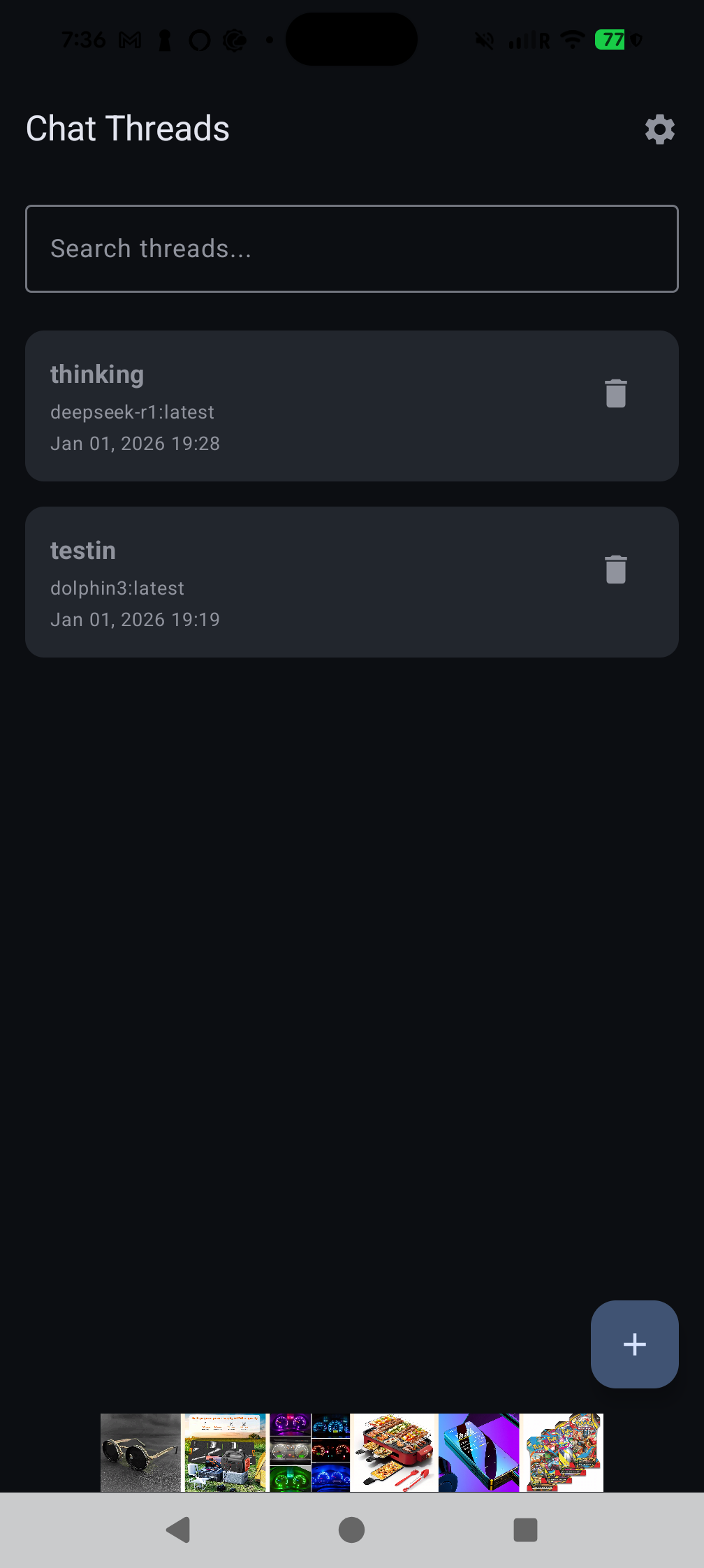
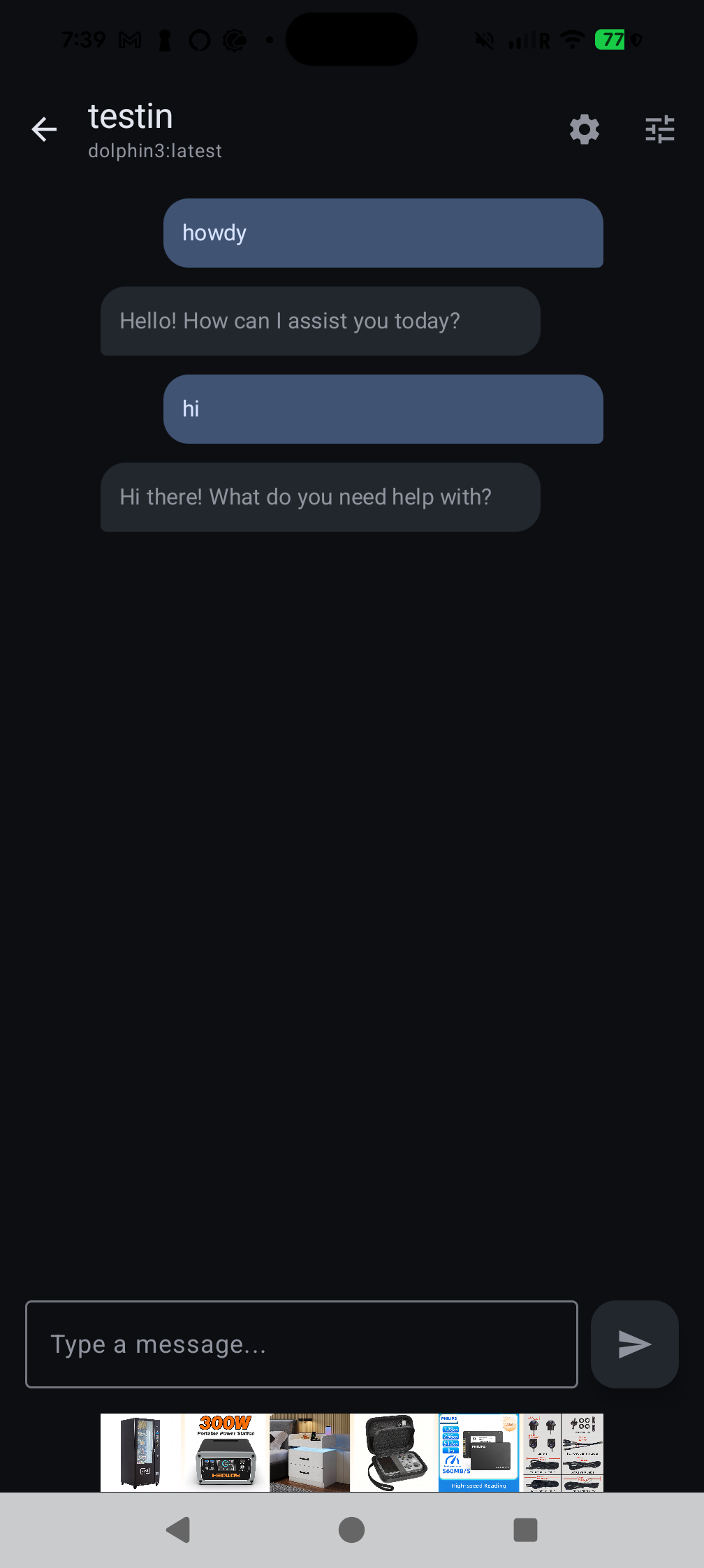
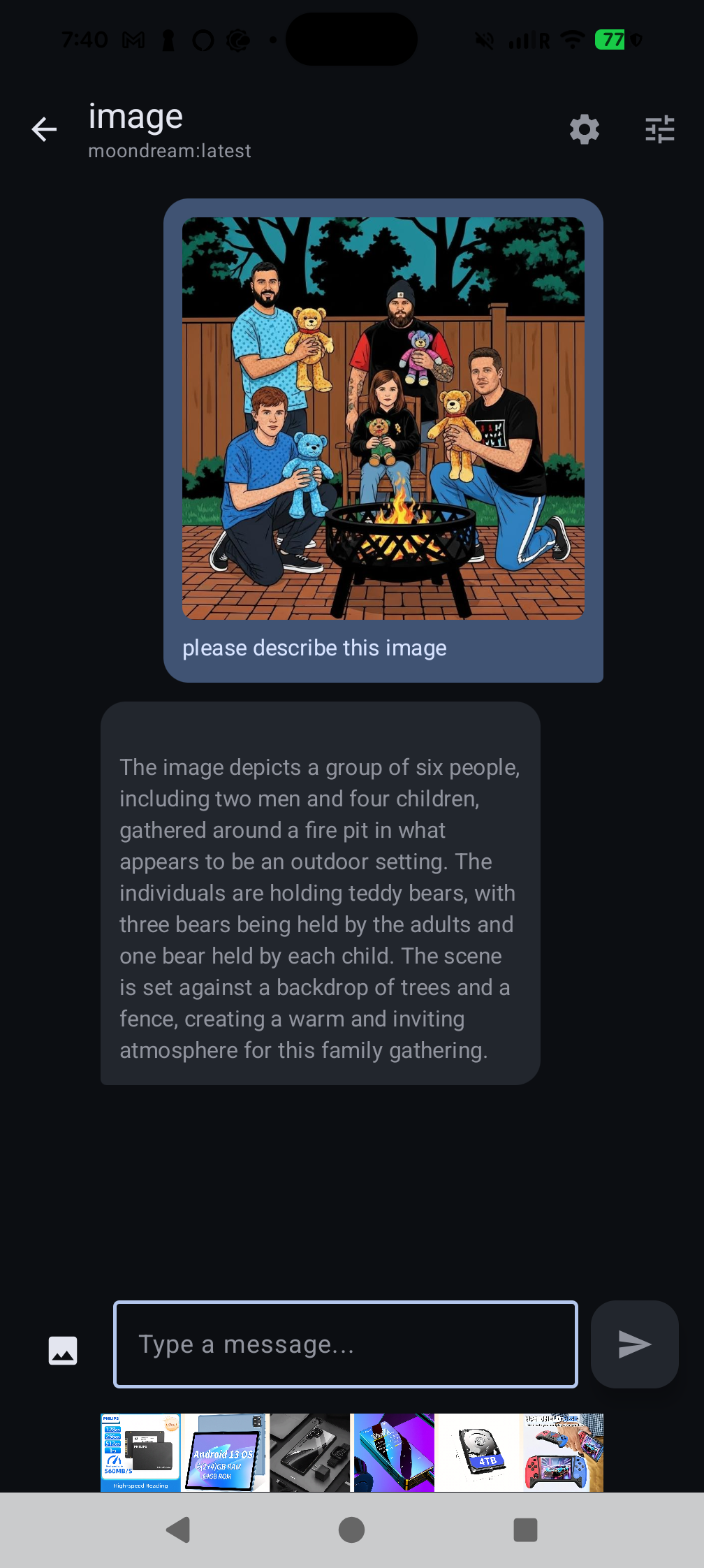
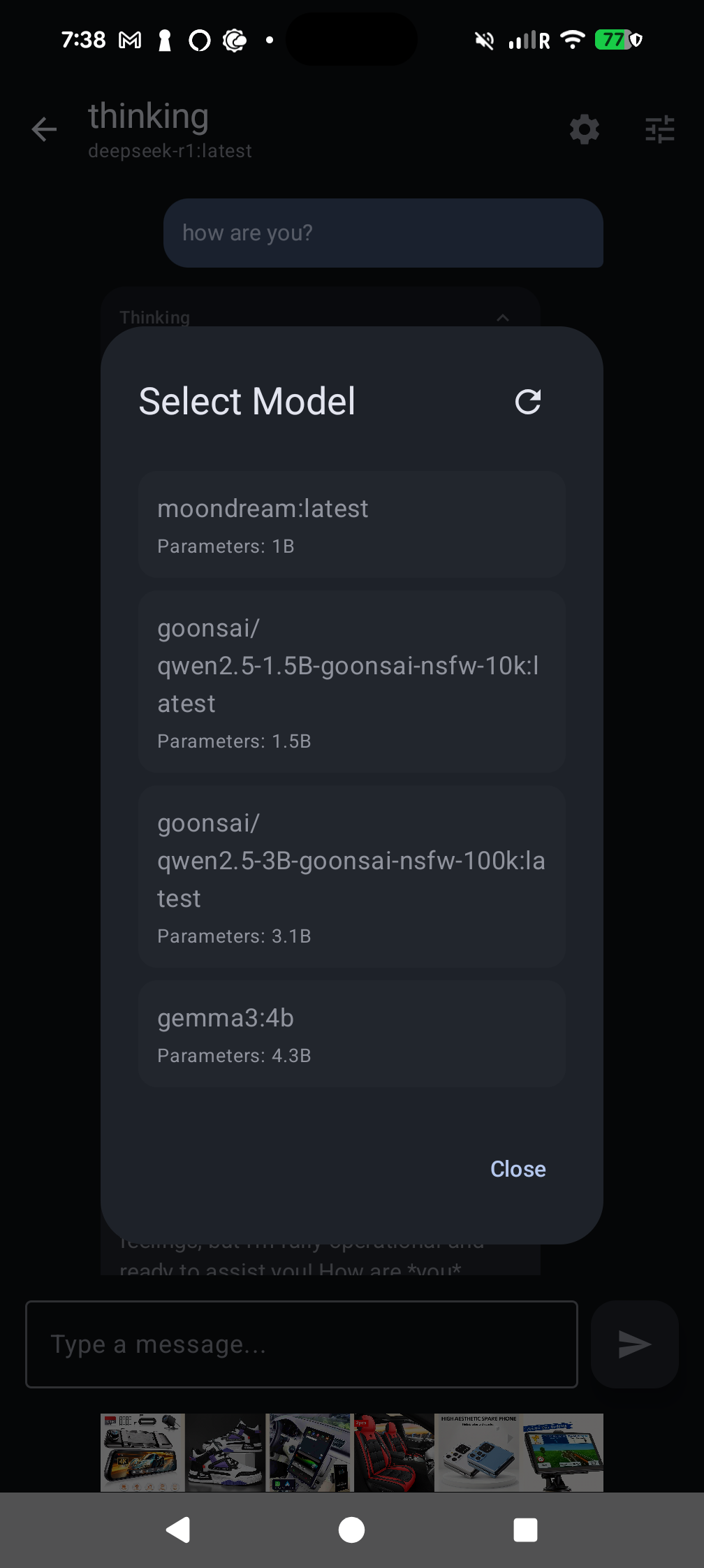
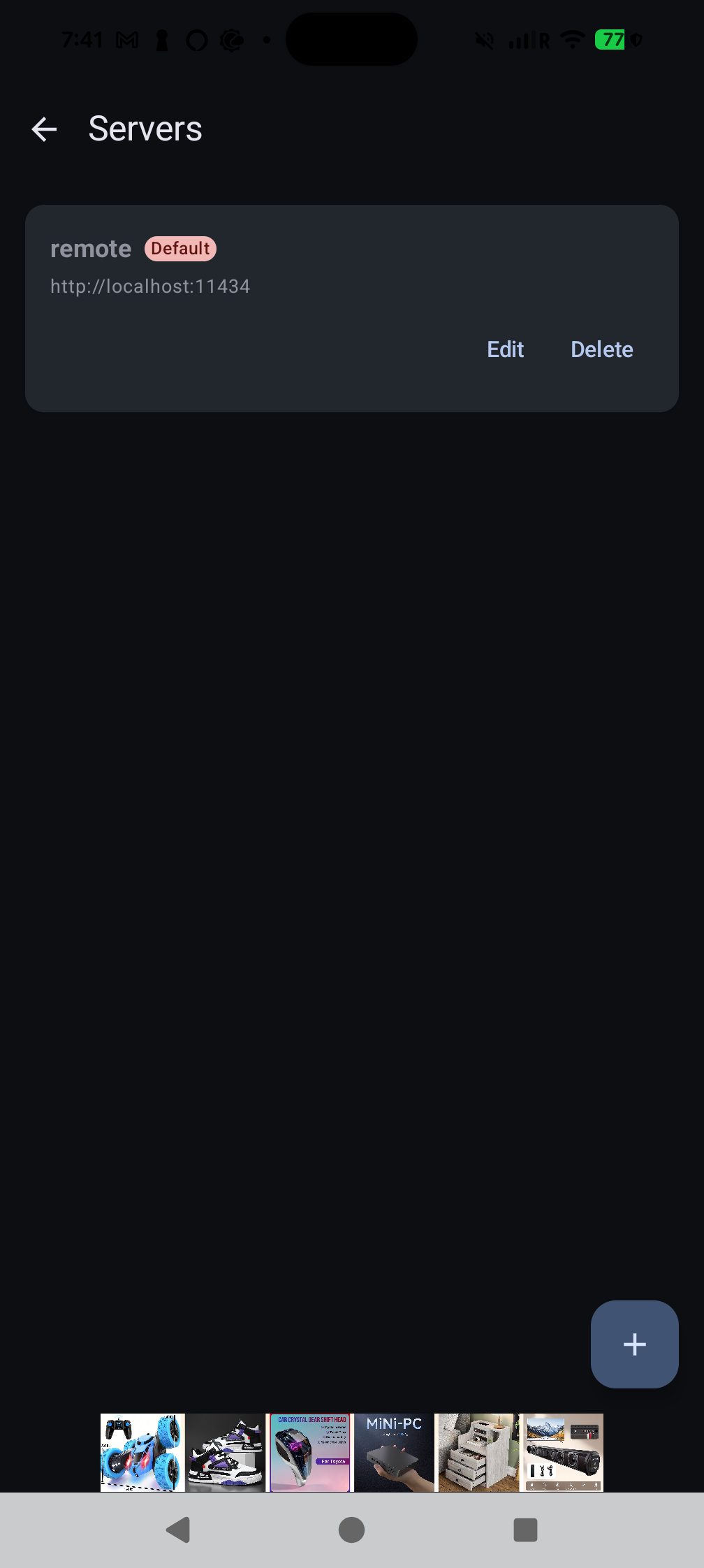
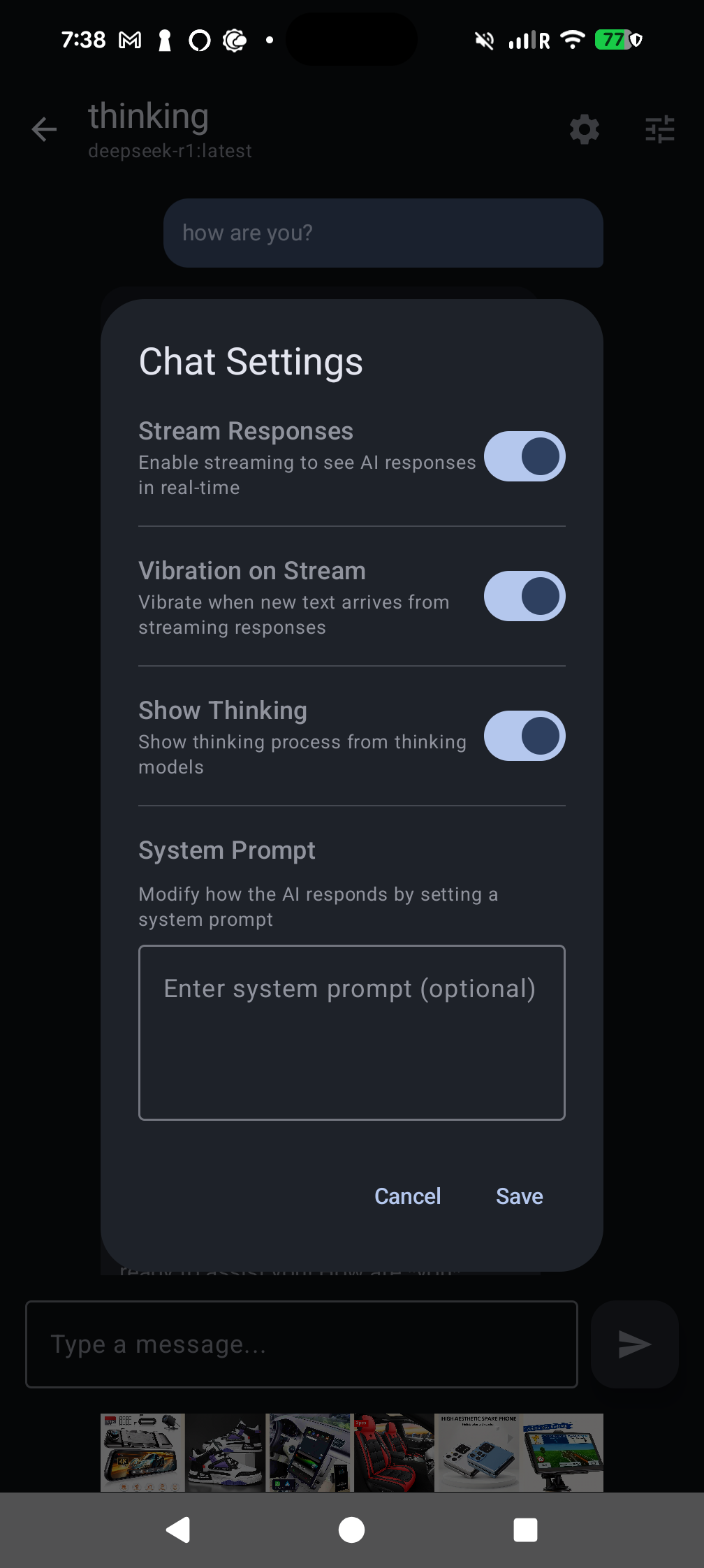
Connect to your Ollama server or run models fully on-device — Gemma 4, Qwen 3, DeepSeek R1 Distill and Phi-4 Mini all powered by Google LiteRT-LM. Real-time streaming, no data leaves your phone when you go local.
Everything you need for seamless AI conversations
Download and run Gemma 4, Gemma 3, Qwen 3, DeepSeek R1 Distill, and Phi-4 Mini directly on your phone via Google's LiteRT-LM runtime. No server, no network, no data leaving the device.
Experience smooth, real-time conversations with AI models through our beautifully designed Material Design 3 interface.
Share images with vision-capable AI models! Smart compression automatically optimizes images for fast, efficient conversations.
Never lose a conversation! All your chats are automatically saved locally using our secure Room database.
Connect to multiple Ollama servers, switch between AI models, and customize model parameters to your needs.
Built with Jetpack Compose and Material Design 3, featuring smooth animations and full dark theme support.
Your conversations stay on your device. We use local database storage, so your chat history never leaves your phone.
Beautiful screenshots from the app
Everything you need to know
Ollama AI Chat is an Android application that connects to your Ollama server, enabling you to chat with various AI models like Llama, Mistral, and more directly from your Android device. It features a modern Material Design 3 interface with real-time streaming responses.
No — as of the latest release you can also run models fully on-device using Google's LiteRT-LM runtime, no Ollama server required. Just add a LiteRT (on-device) backend from the Servers screen, download one of the built-in bundles, and chat. If you prefer remote inference, Ollama is still fully supported — visit ollama.ai to learn more.
The Models screen ships with a curated catalog of .litertlm bundles pulled from the public litert-community Hugging Face organization: Gemma 3 270M (~304 MB), Gemma 3 1B (~584 MB), Qwen 3 0.6B (~614 MB), Qwen 2.5 1.5B Instruct (~1.6 GB), DeepSeek R1 Distill Qwen 1.5B (~1.83 GB), Gemma 4 E2B (~2.58 GB), Gemma 4 E4B (~3.65 GB), and Phi-4 Mini Instruct (~3.91 GB). Downloads resume after network drops and a free-space check runs before each pull.
The app requires Android 13 (API Level 33) or higher. Make sure your device is running a compatible Android version before installing.
Absolutely! Your conversations stay on your device. We use local database storage (Room database), so your chat history never leaves your phone unless you choose to share it. The app supports both HTTP and HTTPS connections for secure networking.
Yes! You can connect to multiple Ollama servers and switch between different AI models instantly. The app allows you to manage models, pull new ones, and delete models you no longer need.
Yes! You can attach and send images in conversations with vision-capable AI models. The app automatically compresses images to optimize performance while maintaining quality, ensuring fast and efficient conversations.
Yes! The app is open source and licensed under the MIT License. You can view the source code, contribute, and report issues on GitHub. We welcome contributions!
Simply enter your Ollama server URL (e.g., http://192.168.1.100:11434) in the app settings. The app supports both HTTP and HTTPS connections. You can add multiple servers and switch between them as needed.
Download Ollama AI Chat and start chatting with AI models on your Android device today!
Requires Android 13 (API 33) or higher